
First, untangle what "open source" means
A practical guide to the open-source tools that do what ChatGPT and Claude do, using open models you can run on your own terms.
Most Kiwi businesses meet AI through a rented front door. You log into ChatGPT or Copilot, you type, you get an answer, and your data takes a quiet trip offshore to someone else's servers. That is fine for a lot of work. It is not the only option, and for a growing number of teams it is no longer the smartest one.
There is a whole category of tools that look and feel like ChatGPT, let you create content and search the web, but run on open models you can host yourself. Some are free. Some are genuinely open source. A few are neither, and we will be honest about which is which.
Here is the practical landscape, sorted by what you actually want to do.
This is where most articles get lazy, so let us be precise. Three different things hide under the same phrase.
Open-weight models are the brains. Meta's Llama, Mistral, DeepSeek, Alibaba's Qwen, Google's Gemma and OpenAI's GPT-OSS are released for anyone to download and run. In 2026 the best of them rival the big proprietary systems on everyday business tasks like drafting, summarising and research.
Open-source apps are the interface, the bit that looks like ChatGPT. Tools like Open WebUI, Jan and AnythingLLM are free to inspect, modify and self-host.
Free but proprietary tools sit in the middle. They cost nothing and run open models, but you cannot see under the bonnet. LM Studio is the obvious example.
Keep those three layers separate and the rest of this makes sense.
If you want to try open models with zero setup
Start in your browser. No install, no hardware, no commitment.
HuggingChat is the easiest on-ramp. Hugging Face briefly retired the original last year and relaunched it as HuggingChat Omni, which routes your prompt to a suitable open model automatically instead of making you choose. It is free, and it is the fastest way to feel how good open models have become.
Le Chat, from French company Mistral, is the most polished hosted option. It does web search, image generation, document handling and has a no-code agent builder. Mistral is an open-weight model maker, and Le Chat is their assistant sitting on top. For teams nervous about US data handling, a European provider is a meaningful difference.
OpenRouter gives you one login to dozens of models, including free open ones, so you can compare answers side by side before committing to anything.
A caution worth stating plainly. DeepSeek and Qwen both offer cheap, capable chat apps, and both are hosted in China. The models are excellent and you can run them privately yourself. Consider here, where your client data or anything commercially sensitive should go. Under the Privacy Act 2020, where personal information ends up is your responsibility, not the vendor's.
If you want AI running on your own laptop
This is the privacy play. Nothing leaves your machine, there are no per-seat fees, and it works on a plane.
Jan is the one to start with. It is properly open source, runs fully offline once you have downloaded a model, and is built privacy-first. It will also connect out to ChatGPT or Claude if you want, so you are not locked into local-only.
LM Studio is the slickest experience and the gentlest learning curve. Worth repeating the nuance from earlier: it is free, including for work, but it is proprietary software, not open source. If that distinction matters to you, it should inform the choice. If it does not, LM Studio is a lovely two-click way in.
Underneath a lot of these sits Ollama, the engine that actually runs the model. You can pair it with a tidy interface, or let tools like Jan and Open WebUI handle that for you. GPT4All and Msty are two more friendly desktop apps worth a look.
If you want to roll it out to a team
This is where open source starts to pay rent. Self-host once, and the whole team gets a private ChatGPT with no monthly per-user bill.
Open WebUI is the de facto standard. It is one of the most popular self-hosted AI interfaces going, with user accounts, chat history, web search, and the ability to chat with your own documents. It plugs into Ollama or any model you like. You will need someone comfortable with Docker to stand it up, but once it is running the experience rivals the commercial products.
AnythingLLM is the document-first option, open source, and runs as a desktop app or on a server.
LibreChat unifies multiple providers in one interface and adds web search and tool use. All three keep your conversations and files on infrastructure you control.
If you want AI-powered web search you can host
Perplexity-style "ask a question, get a cited answer" search has an open-source answer too.
Perplexica, recently rebranded Vane, runs entirely on your own hardware. It pairs a private search engine with the model of your choice and returns answers with sources, without routing your queries through a vendor's black box.
Morphic is a second open answer engine you deploy yourself. Both give you cited, current answers while keeping the questions private.
The honest trade-off
Open and local is not free in every sense. You trade some convenience for control. Hosted tools are effortless but your data leaves the building, so check where it lands. Self-hosted tools keep everything in-house but need a bit of setup and decent hardware. There is no free lunch, only a choice about what you are optimising for: ease, cost, or sovereignty.
The teams that get value are not the ones with the cleverest tool. They are the ones who picked a real problem first.
So move a metric, not a use case.
Where to start next week
You do not need a project plan. You need an experiment.
- Pick one low-stakes workflow where output is slow or inconsistent. Drafting proposals, summarising long documents, first-pass research. Name the lever you want to move: cycle time or cost-to-serve.
- Spend 30 minutes in HuggingChat or Le Chat. Feel the quality of today's open models on your real work, not a demo prompt.
- If privacy is the blocker, install Jan or LM Studio and run a model fully offline. Notice that nothing leaves your laptop. That changes the conversation about what AI is allowed to touch.
- Ring-fence a small monthly slot for one person to test a tool and report back. Curiosity is the antidote to obsolescence, and it compounds when it is shared.
- Keep humans in the loop. AI drafts, humans approve. Open models are powerful, not infallible.
Open source has quietly closed the gap. The models are good, the tools are mature, and for the first time you can have the ChatGPT experience without renting it, without the lock-in, and without your data leaving the country.
That is not a downgrade. That is control.
Continue reading
More from AI New Zealand.
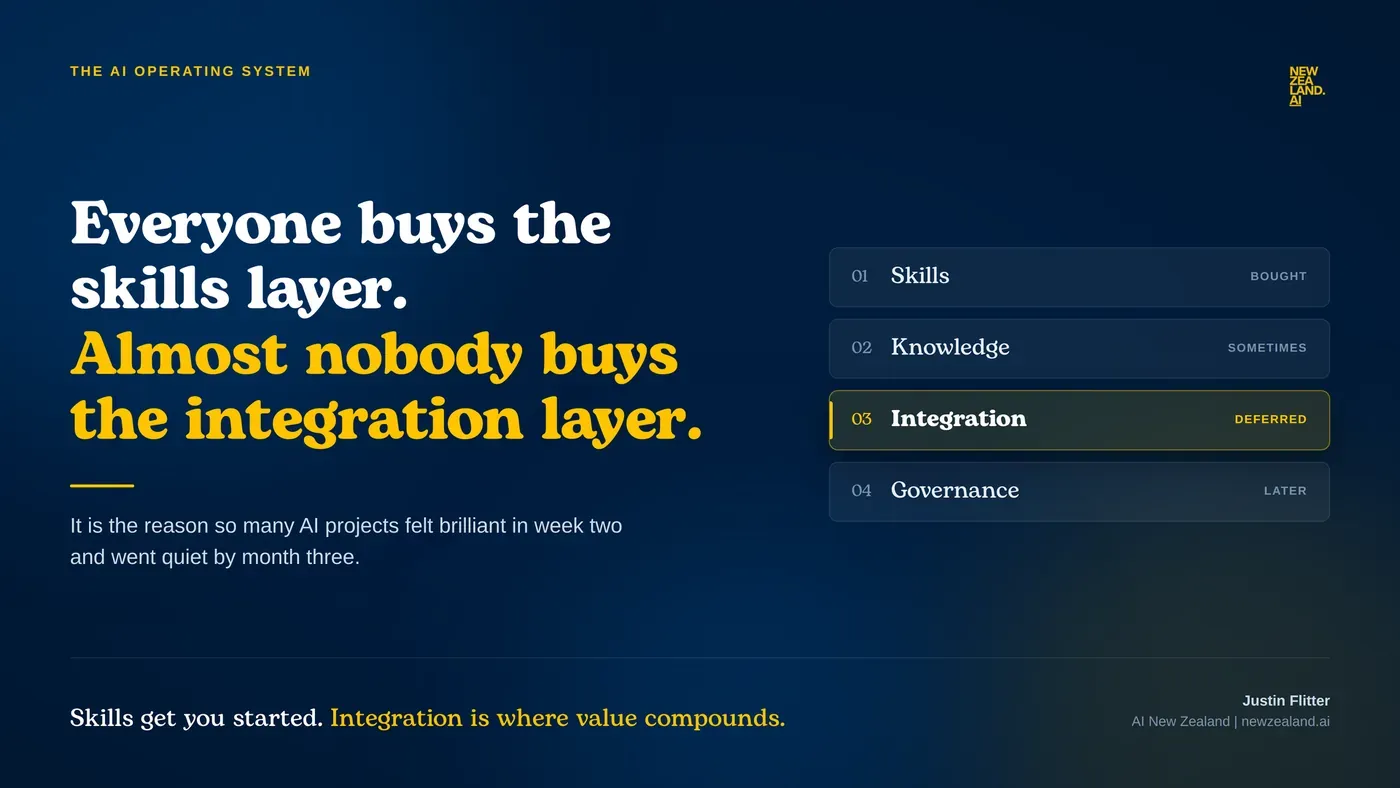
AI Operating System
Everyone is buying the skills layer. Almost nobody is buying the integration layer.
Read article →
2026 AI Roadshow Notes
AI is no longer just about content generation. It is becoming operational infrastructure.
Read article →
Insights
What comes after LLMs now has a New Zealand face on it.
Read article →Power up your potential with practical AI skills.
Contact us to discuss how Artificial Intelligence could boost your business.